
Interactive 3D Menu
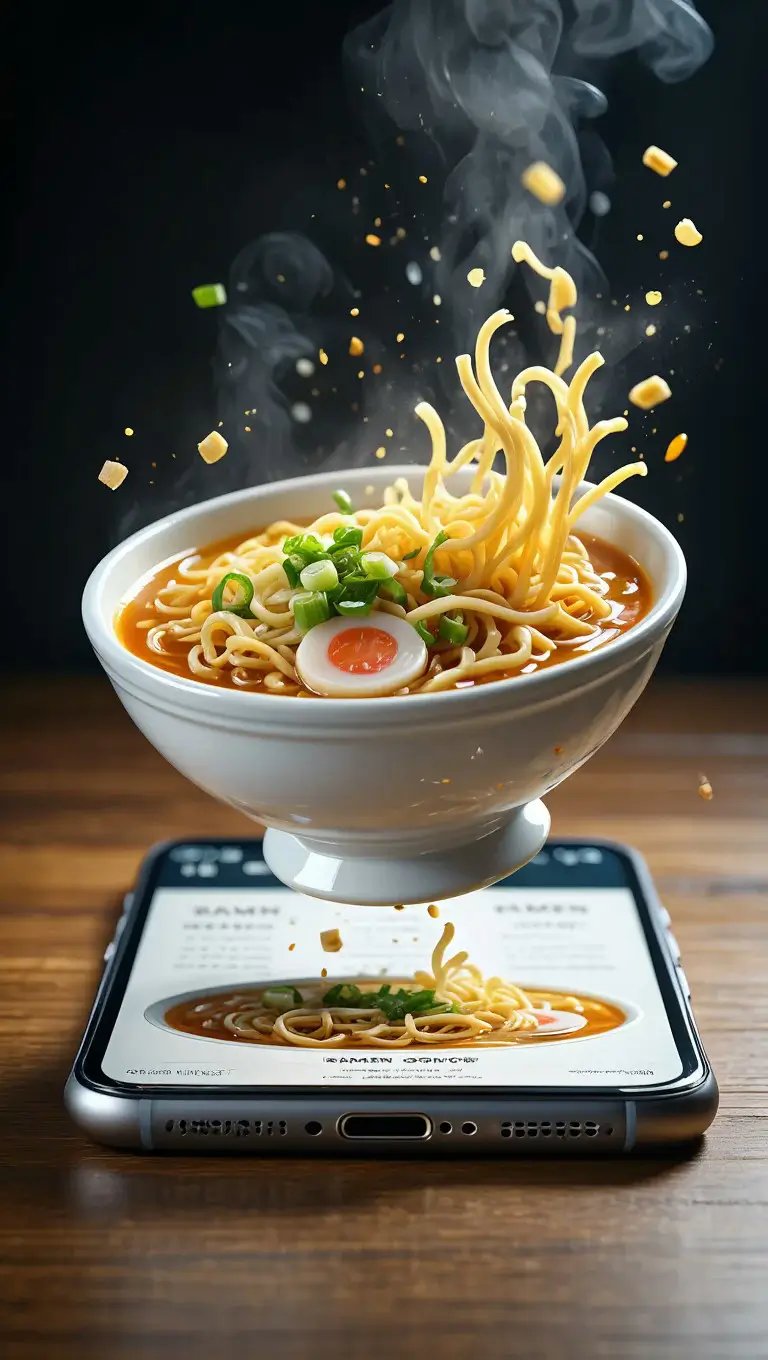
Guests turn the actual plate around on the customer-facing screen before they order it.
Advanced Menu Designer
Create stunning digital menus with complete control over layout, styling, and interactive elements that captivate your customers.
Custom Design Controls
Full control over colors, fonts, layouts, and styling to match your brand perfectly.
Real-time Preview
See exactly how your menu will look to customers with instant preview updates.
Dynamic Updates
Instantly push menu changes to all customer devices and QR codes.

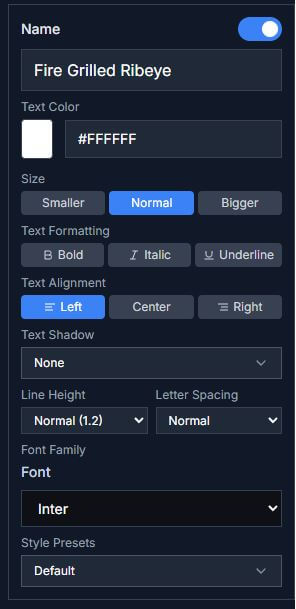
Immersive Public Menu
Customers experience your menu like never before with interactive 3D models, smooth animations, and intuitive navigation.
360° Food Models
Customers can rotate and inspect every dish in photorealistic 3D detail.
Interactive Exploration
Zoom, pan, and explore ingredients with detailed descriptions and nutritional info.
Clearer Choices
Interactive menus give guests more context before they place an order.
360° Food Visualization
Customers can rotate, zoom, and explore every dish in photorealistic 3D detail, seeing exactly what they'll get before ordering.
360° Rotation
Rotate dishes in any direction to see every angle, ingredient, and detail.
Zoom & Inspect
Zoom in to examine textures, garnishes, and presentation details up close.
Ingredient Layers
Click on ingredients to highlight them and see detailed descriptions.
🎯 Want to try it yourself? Test our interactive 3D models on our home page and experience the magic firsthand!
Easy Food Scanning & 3D Creation
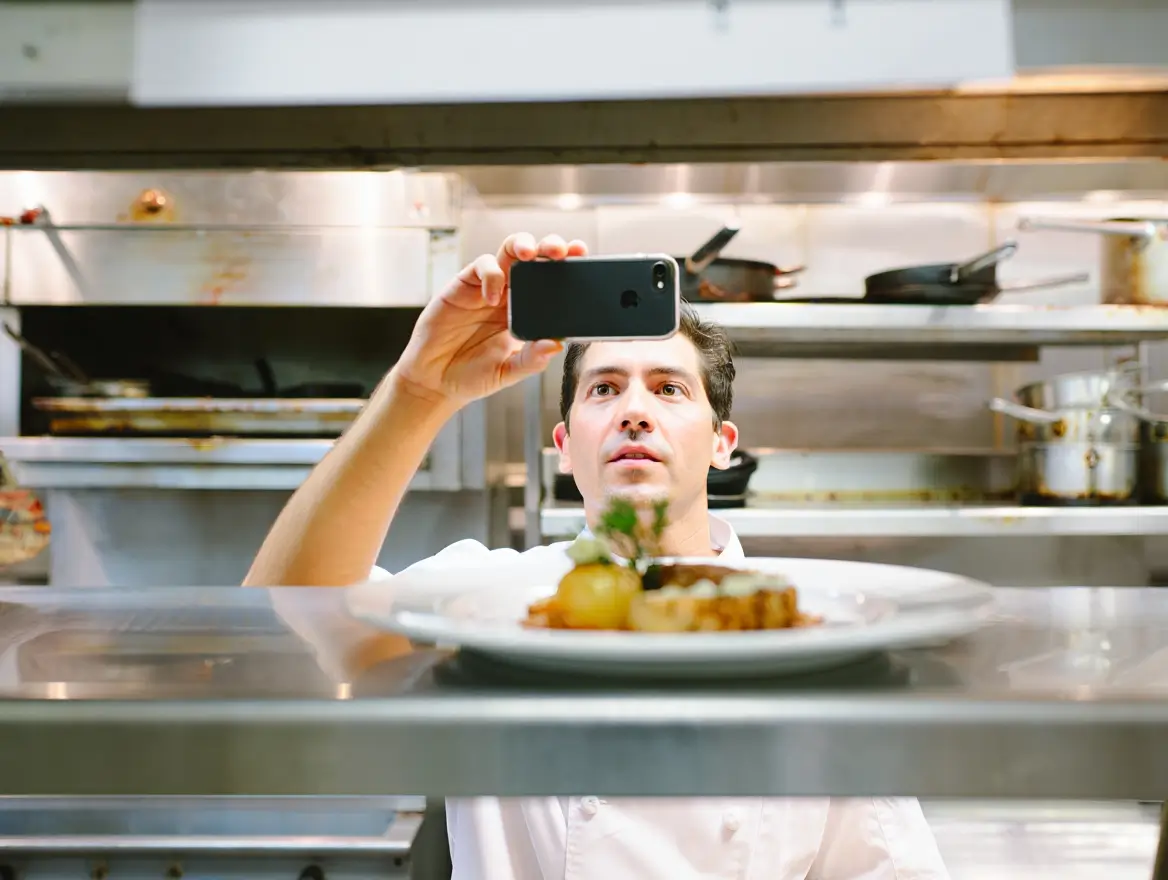
Scan a dish with an iPhone and it becomes a 3D model in about five minutes. No studio, no photographer, no special rig.
Lightning Fast Scanning
Each dish takes just 5 minutes to scan and convert into a photorealistic 3D model.
iPhone Built-in Technology
Uses your iPhone's advanced scanning capabilities - no special equipment needed.
Your Staff or Our Experts
Train your team to scan dishes themselves, or let our experts handle the entire process for you.
Bring three dishes off your menu.
We will scan them and show you how they look on the guest-facing screen.