Restaurant Operations
Commission-Free Online Ordering for Restaurants
Take orders through your restaurant’s website with no Dashi percentage commission. See how direct ordering works, which costs remain and what to test before launch.
The short answer
Commission-free online ordering gives guests a way to buy directly from your restaurant without a software provider taking a percentage of each order. Dashi Online charges 0% Dashi commission on direct orders. Software, payment processing and optional delivery costs are separate. Guests order through your website, and the order connects to your restaurant’s POS and kitchen.
From your website to your kitchen

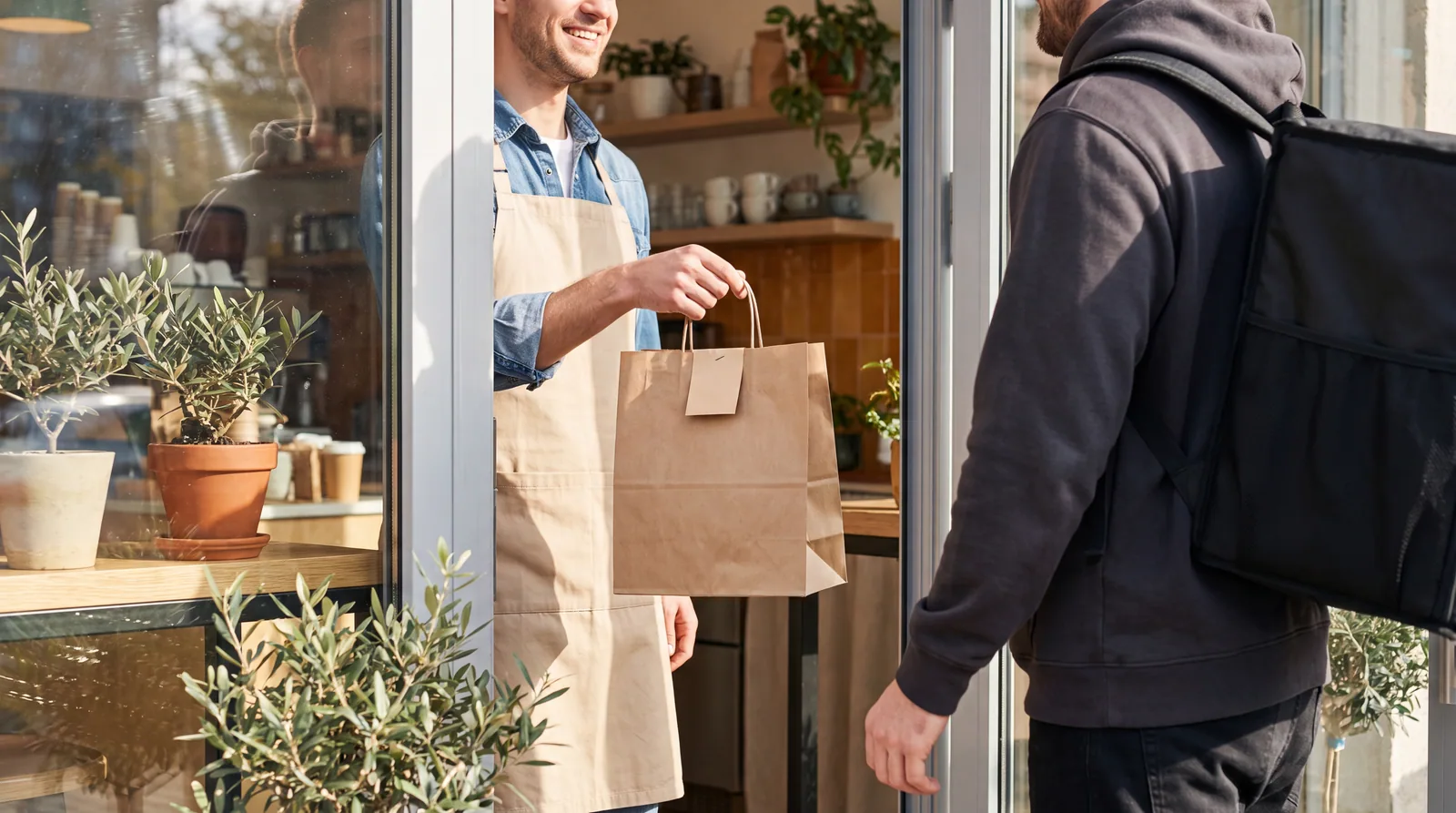
A guest already knows your restaurant. They open your website, choose dinner and place an order. Your team should receive the items, modifiers and pickup details where they prepare the food.
That is the job of Dashi Online: a branded ordering path connected to your POS, kitchen and guest record. The restaurant stays at the centre of the purchase.
For pickup, the guest collects the order from you. If you offer delivery, confirm the available delivery service, coverage and charges for your location before turning it on.
More orders should not mean a bigger software commission
You bought the ingredients, prepared the food and earned the guest. On direct Dashi Online orders, Dashi takes no percentage of that sale. A busier night does not create a larger Dashi commission bill.
That is a specific promise: 0% Dashi commission on direct orders. It does not mean every cost of selling online disappears. Compare the software plan, payment processing and any delivery service separately.
| Cost | What to check |
|---|---|
| Dashi order commission | 0% on direct Dashi Online orders. |
| Software | Your monthly plan and what it includes. |
| Payment processing | The rate and transaction charges for your payment setup. |
| Optional delivery | Courier charges and any part your restaurant pays. |
| Your promotions | Discounts or advertising you choose to fund. |
See Dashi pricing and ask for the complete cost of the setup you intend to use.
Use your own order numbers
Start with a recent statement. Note your order count, average order value and percentage commission. Multiply those together to see the commission attached to those sales.
Then compare what it would cost to take the same orders directly: software, processing, any promotions and the same pickup or delivery arrangement. Keep those extra costs in the calculation.
Use the commission calculator with your own figures. Treat the result as a comparison, not a forecast that every guest will switch to ordering directly.
An order you would not otherwise have received can still be worth paying to acquire. Direct ordering is especially useful for guests who already seek out your restaurant.
Make the direct link easy to find
A direct ordering page needs a clear route from the places guests already find you. Start with your website’s main navigation and a visible “Order online” button on mobile.
- Link directly to ordering from your restaurant’s social profiles.
- Keep opening hours, menu availability and pickup instructions current.
- Put your ordering address or QR code on your own takeaway packaging.
- Try placing an order on a phone before sending guests to the page.
The guest should know which restaurant they are ordering from, what the total is and how they will receive the food before they pay.
Run one order all the way through
Bring a few real menu items to the demo. Include a modifier, an unavailable item and a pickup order so you can see the details your team needs during service.
- Open your branded menu on a phone and choose an item.
- Add a modifier and check the total before checkout.
- Follow the test order into the POS and kitchen.
- Check the guest confirmation and pickup instructions.
- Ask the team to show the cancellation, refund and support process.
Confirm your menu setup, payment arrangement and launch responsibilities. The point is to see your own restaurant’s order work from beginning to end.
Common questions
Does Dashi charge a commission on direct online orders?
No. Dashi Online charges 0% Dashi percentage commission on direct orders. Your software plan, payment processing and optional delivery costs are separate.
Does commission-free ordering include free delivery?
No. Pickup and delivery are separate choices. If you offer delivery, confirm the courier service, coverage and charges for your restaurant.
Can guests order from my restaurant’s own website?
Yes. Dashi Online provides a branded direct ordering path connected to the restaurant’s POS, kitchen and guest record. Confirm the menu and payment setup for your restaurant in a demo.
Will every guest switch to ordering directly?
No. Some guests will continue using other channels. Make direct ordering easy for the people who already want to buy from your restaurant, and measure actual completed orders.
Sources and editorial notes
Prepared September 10, 2026. External sources were checked on that date. Dashi product references reflect the site content prepared for this release. Confirm current plans, supported integrations and launch scope before choosing a system.
- Dashi Online. Direct ordering, connected restaurant workflows and 0% Dashi commission.
- Dashi pricing. Software plans, inclusions and separate costs.
- Commission calculator. Compare commission using your own order figures.
No customer outcomes, comparative rankings or performance guarantees are asserted in this guide. Have a correction? Contact the Dashi team.