
Restaurant software migration
Plan the switch.Protect the service.
A different system has to work for the people on your next shift. Start with the part you need to change, check what can stay and run your real workflows before choosing the live date.
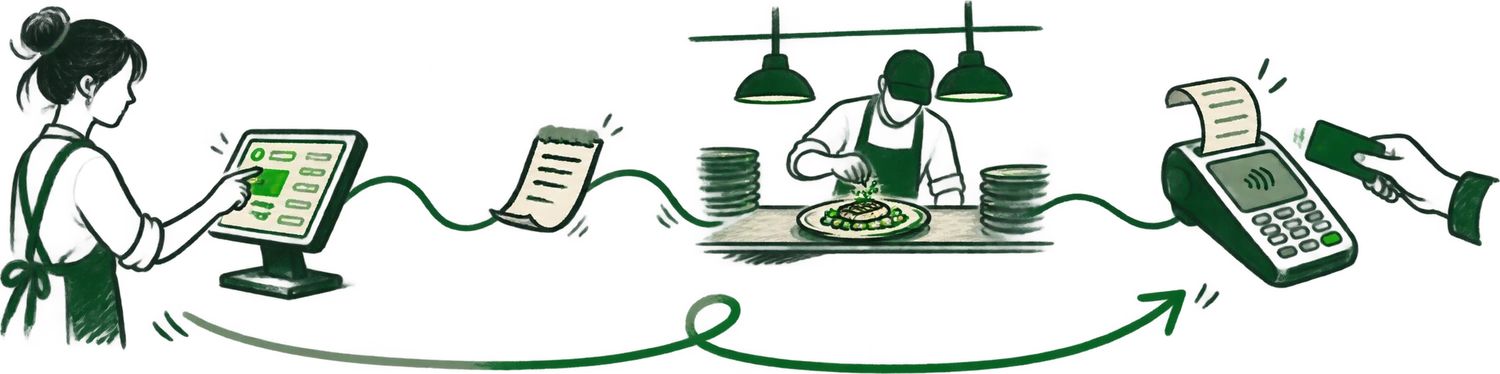
You do not have to change everything at once.
Reserve can sit alongside your current POS. Direct ordering needs a review of Dashi POS and the kitchen connection. Payments need a terminal and account check. Choose the scope that solves the problem you actually have.
01 / Reservations
Start with bookings.
Keep your current POS.
Dashi Reserve is available on its own for $89 CAD per month per location, with no per-cover fee. Payment processing and applicable taxes are separate.
Explore Dashi ReserveBring your booking operation, not just the floor plan.
- Your current provider, notice period and access to exports.
- Floor plan, party sizes, seating times, waitlist process and booking policies.
- Future reservations, guest notes and any deposits or prepaid bookings that need reconciliation.
- Every website, social profile or other booking link your team can change.
Check which records can move before cancelling the previous service. Keeping your POS does not mean it automatically syncs tables, bills or guest history with Reserve. Have each required connection confirmed in the proposed setup.
Compare direct bookings and marketplace discovery02 / POS and payments
Check the terminals.
Then plan the POS.
An existing Moneris account is a starting point for a review. Compatibility depends on terminal models, account configuration, connection method and the workflows you need.
Dashi POS starts at $99 CAD per month per location. Hardware, payment processing and applicable taxes are separate. Confirm setup work and required integrations in the quote.
Review Dashi and MonerisBring enough detail to test your payment flow.
- Terminal model numbers, the connection method and your processing arrangement.
- A menu sample with modifiers, taxes, tips and the way your team splits bills.
- Current printers, kitchen displays, network equipment and essential integrations.
- Requirements for voids, refunds, settlement, reporting and connection loss.
Do not budget around keeping every device until the setup is checked. Ask who provisions the terminals, who verifies settlement and who handles an issue spanning the POS and processor. Agree on the procedure for a failed test before setting a live date.
Use the Moneris payment demo checklist03 / Direct ordering
Change the guest's link.
Check the kitchen's order.
Dashi Online connects your restaurant's direct ordering path to Dashi POS, the kitchen and guest record. Review that connection as part of the change.
Included in Dashi POS Growth at $199 CAD per month per location. Dashi takes no percentage commission on direct orders. The subscription, payment processing, hardware, optional courier charges and applicable taxes remain separate cost categories.
Explore Dashi OnlineBring one order your team needs to get right.
- Your website, current ordering links, menu and modifiers.
- Pickup hours, preparation times, sold-out rules and any required delivery coverage.
- The POS, printers or kitchen displays that receive orders today.
- Scheduled orders, outstanding refunds and the marketplace channels you intend to keep.
A direct ordering page does not bring a marketplace audience or a delivery fleet with it. Your restaurant still needs to make the link visible, and delivery availability and charges need confirmation. Rehearse checkout, kitchen routing and a refund before changing the public link.
Compare the full cost of direct orderingBring the real setup.
Use this as a discussion checklist. The boxes stay in this page and reset when you reload. No details are sent to Dashi.
0 of 12 topics reviewed
A sequence to agree on.
People to name.
The schedule depends on the menu, hardware, integrations, exports and training. Use these milestones to agree on responsibilities. Put setup work, support hours, escalation and any first-service coverage in the written plan.
01Agree on the scope
At the restaurant: Name a restaurant lead. Bring the current tools, contracts, menu, hardware and available exports.
In the setup plan: The agreed setup contact confirms what can stay, what needs replacing and what needs another provider’s approval.
Before moving on: A written scope, itemized quote and list of open questions.
02Prove the workflow
At the restaurant: Choose service scenarios with the staff who will use the system. Include the awkward orders and payment cases.
In the setup plan: The setup contact and relevant payment or integration providers confirm configuration and resolve test failures.
Before moving on: Verified menu, data and transaction tests, with any limitations recorded.
03Rehearse the change
At the restaurant: Train the shift leads, check future bookings and orders, and name the person who approves the live change.
In the setup plan: Agree on who changes each link or device, who can be contacted, support hours and a fallback procedure.
Before moving on: An agreed cutover date, staff rehearsal and contact list.
04Check the first closeout
At the restaurant: Reconcile orders, payments, refunds and upcoming bookings before closing the previous setup.
In the setup plan: Assign each remaining issue to the responsible provider and confirm access to the records you still need.
Before moving on: A checked closeout and clear ownership of anything outstanding.
Questions before
the change.
The useful answers depend on your restaurant's current setup. These are the starting points.
Do we have to replace the POS, reservations and ordering together?
No. Dashi Reserve can be the starting point while your current POS stays in place. Dashi Online is connected to Dashi POS, so the team reviews the POS and kitchen connection when planning direct ordering. Agree on the scope before changing anything.
Can we keep our Moneris account and terminals?
That depends on the terminal models, connection method, merchant configuration and required workflows. Bring the details to a setup review. Existing hardware is not assumed compatible until checked.
Will every guest record and future reservation transfer?
The current provider determines what you can export. Dashi needs to confirm which fields can be imported and how future reservations will be reconciled. Keep an approved copy and document anything that cannot transfer.
How long does a restaurant software changeover take?
The schedule depends on menus, hardware, integrations, available exports and staff training. Choose the live date after those requirements and the test plan are agreed. This checklist is a planning guide, not a promised implementation timeline.
Who handles training and the first service?
Discuss the training, setup contact, support hours, escalation process and first-service coverage in your written plan. Identify which issues Dashi handles and which remain with your payment or other providers.
Bring the setup
you run today.
Start with the menu, booking system, payment arrangement and the part of service you want to improve. Check the fit, name the responsibilities and choose the date when the team is ready.